

Overview
The following guide is designed to help you deploy custom code on Aptible. During this process, Aptible will launch containers to run your custom app and Managed Databases for any data stores, like PostgreSQL, Redis, etc., that your app requires to run.Compatibility
Aptible supports many frameworks; you can deploy any code that meets the following requirements:- Apps must run on Linux in Docker containers
- Apps may only receive traffic over HTTP or TCP.
- App endpoints (load balancers) are how you expose your Aptible app to the Internet. These endpoints only support traffic received over HTTP or TCP. While you cannot serve UDP services from Aptible, you may still connect to UDP services (such as DNS, SNMP, etc.) from apps hosted on Aptible.
Deploy Code
Prerequisites: Ensure you have Git installed, a Git repository with your application code, and a Dockerfile ready to deploy.
1
Deploy with Git Push
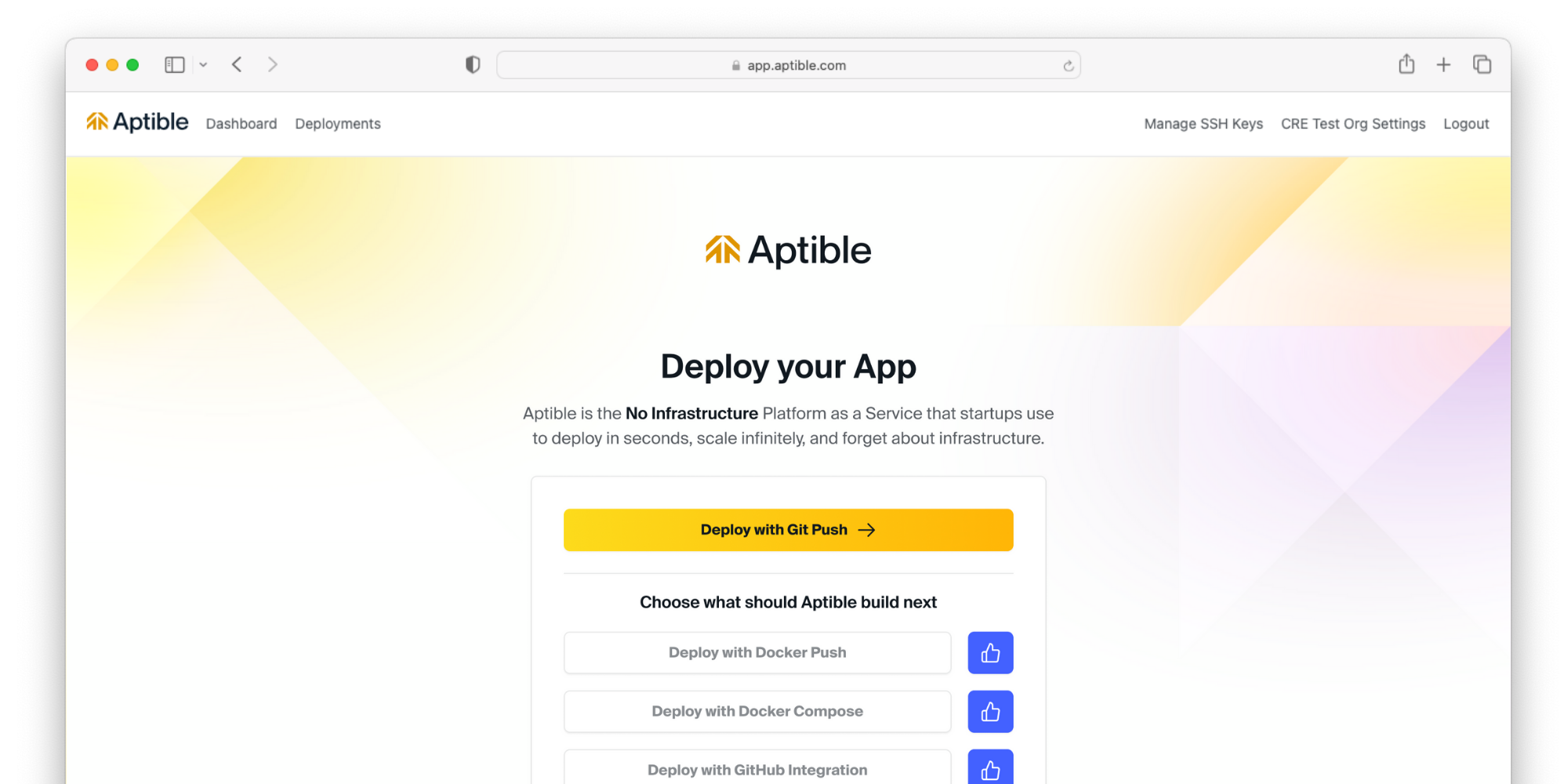
2
Add an SSH key
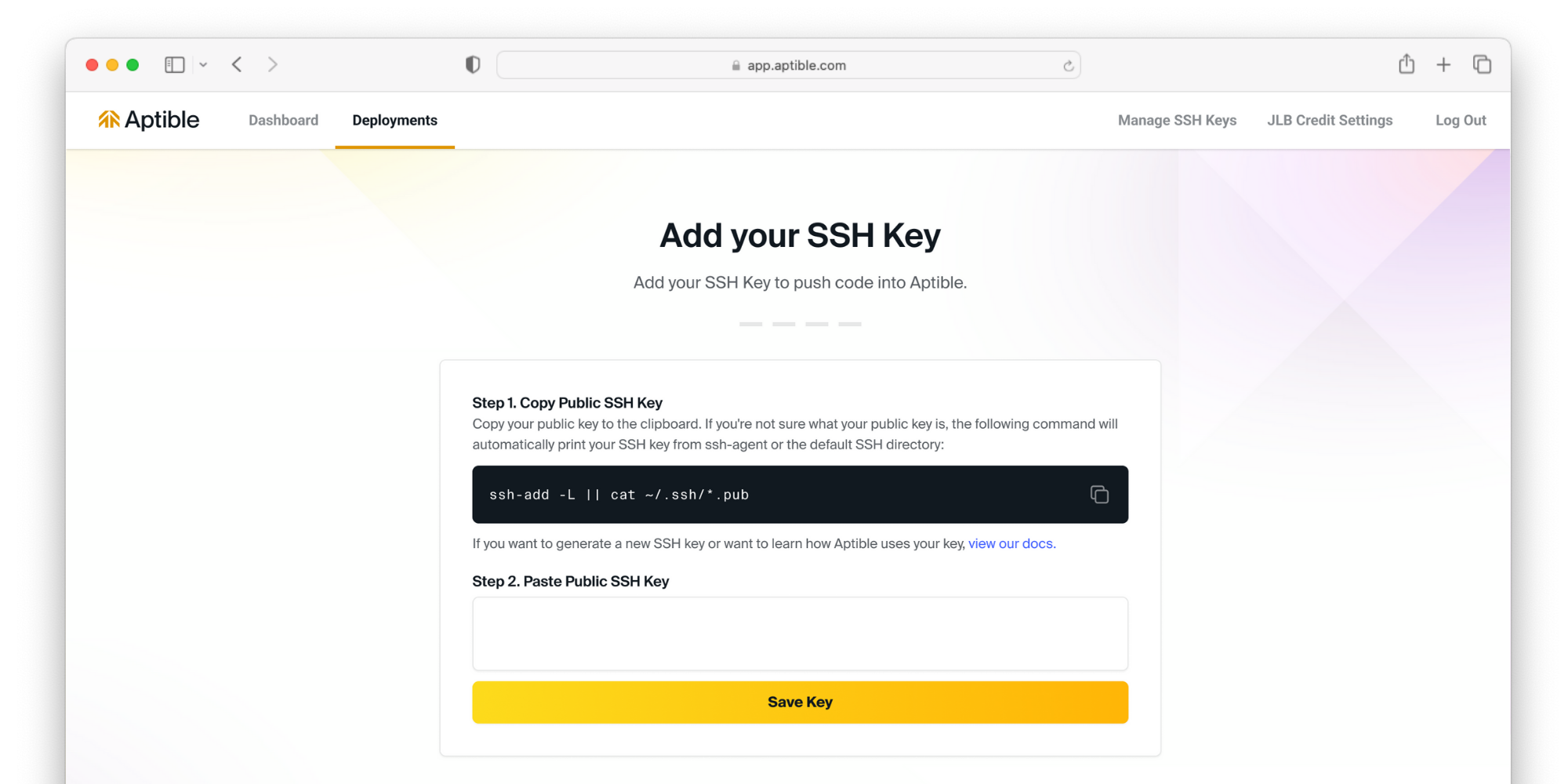 If you have not done so already, you will be prompted to set up an SSH key.
3
Environment Setup
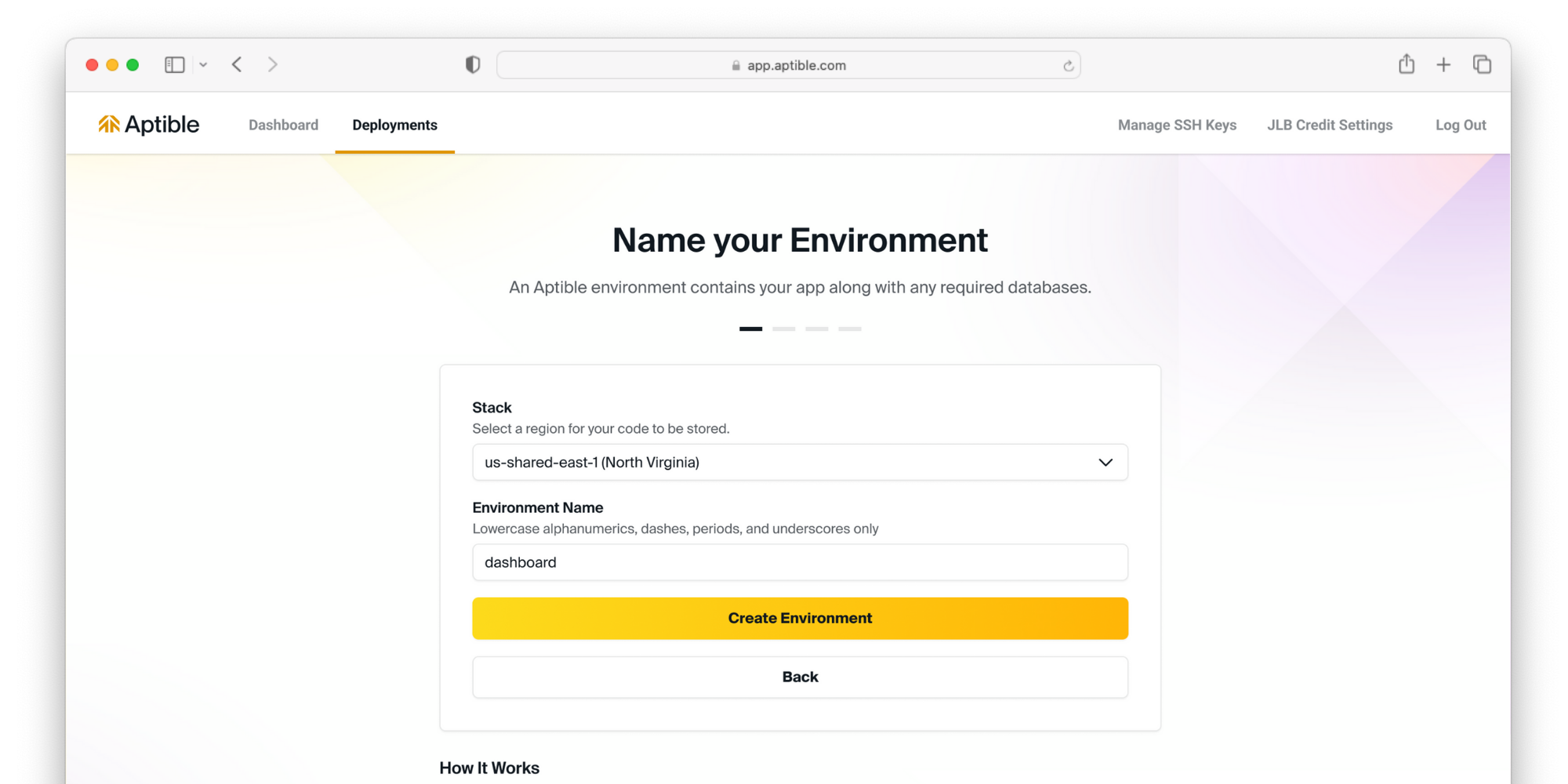 Select your stack to deploy your resources. This will determine what region your resources are deployed to. Then, name the environment your resources will be grouped into.
4
Push your code to Aptible
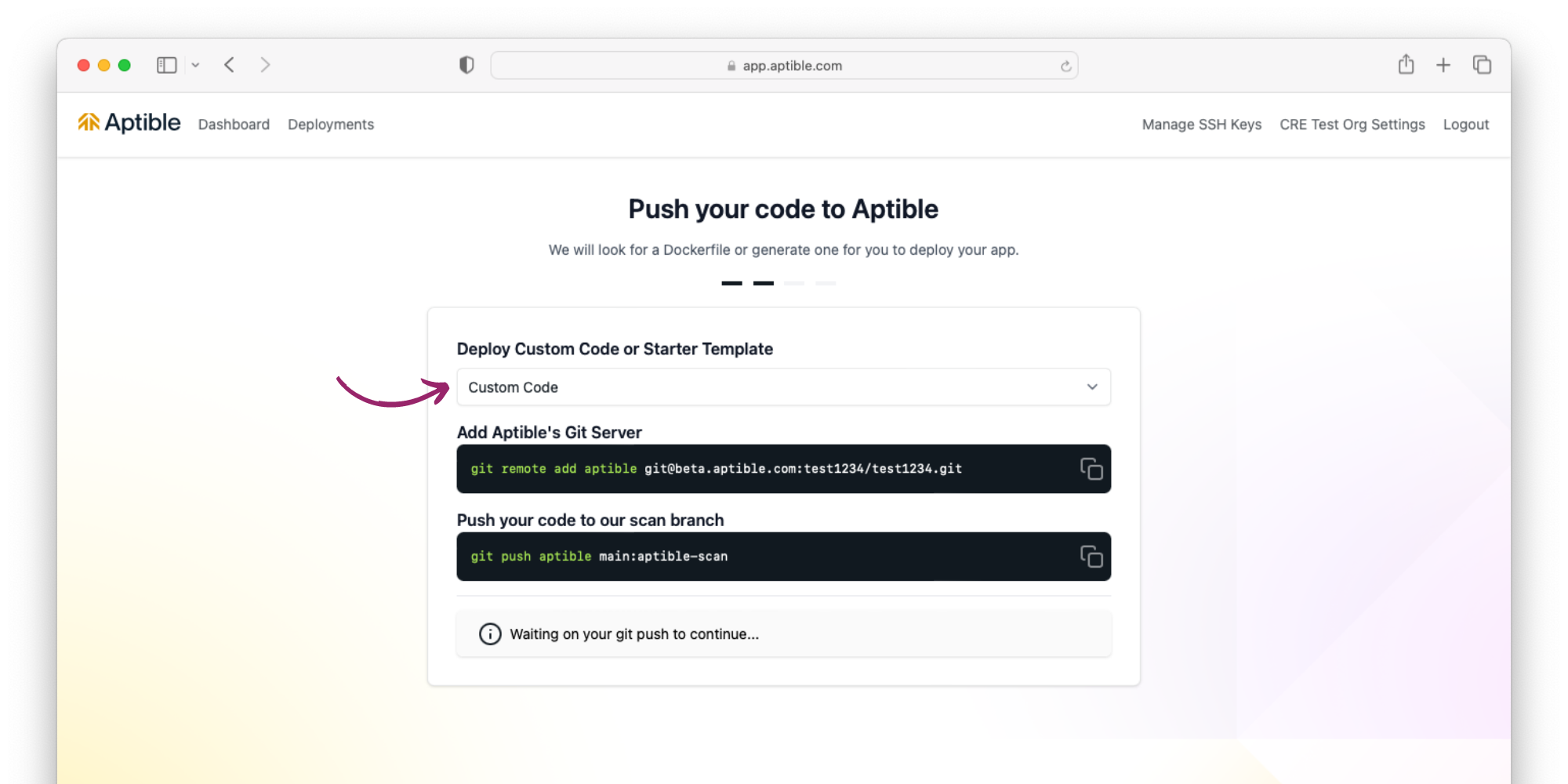 Select Custom Code deployment, and from your command-line interface, add Aptible’s Git Server and push your code to our scan branch using the commands in the Aptible Dashboard
5
Provision a database and configure your app
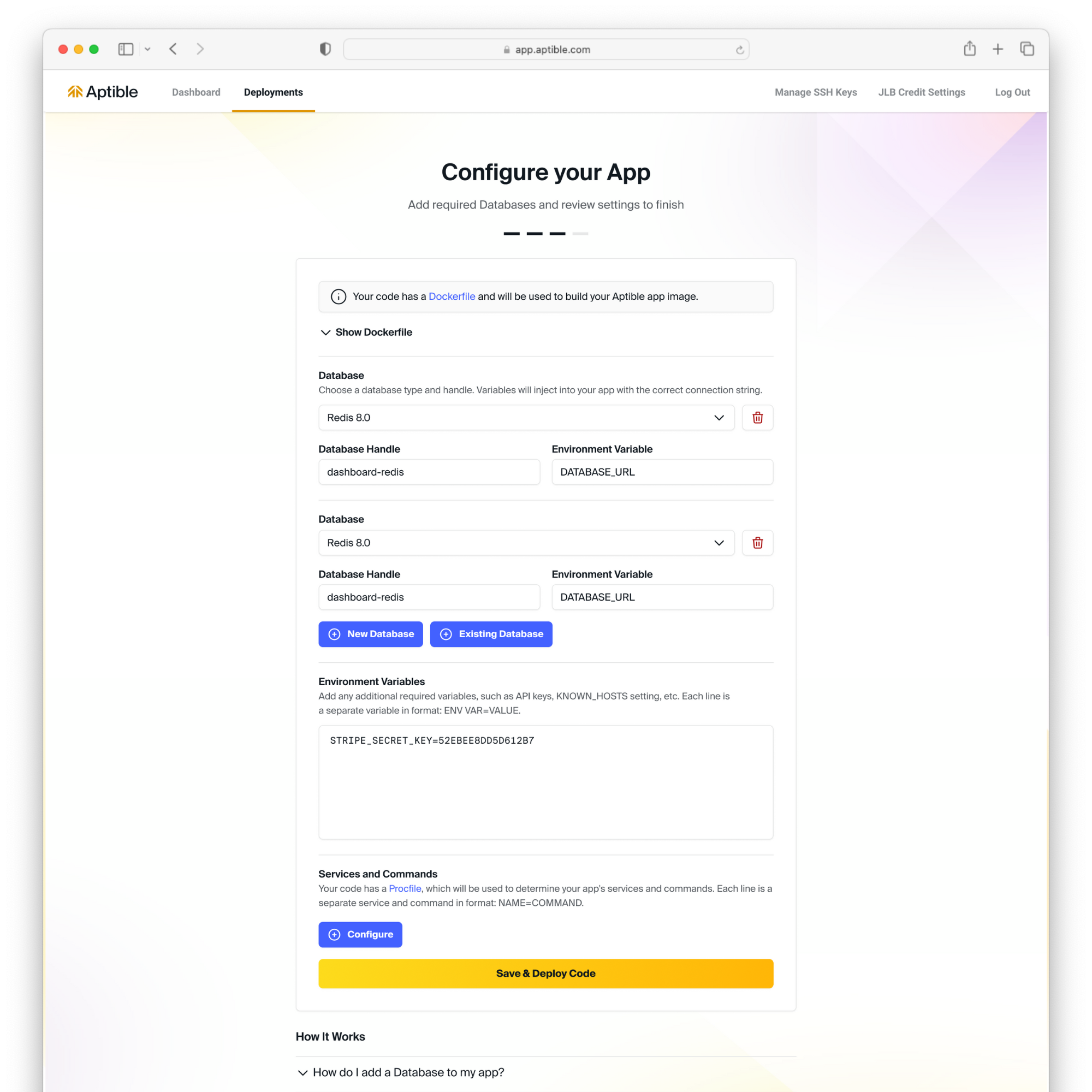 Optionally, provision a database, configure your app with environment variables, or add additional services and commands.
6
Deploy your code and view logs
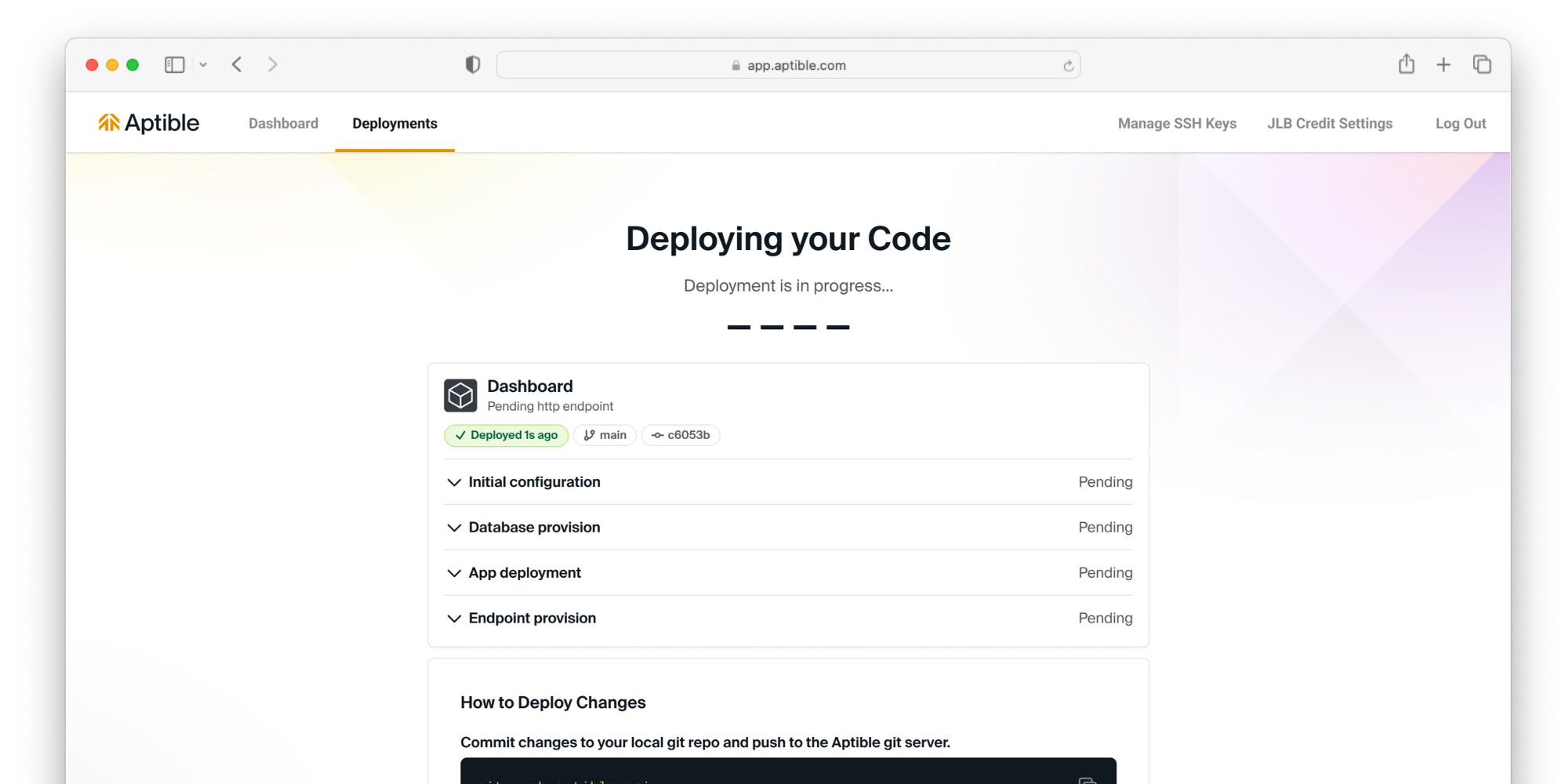 Deploy your code and view logs in real time
7
Expose your app to the internet
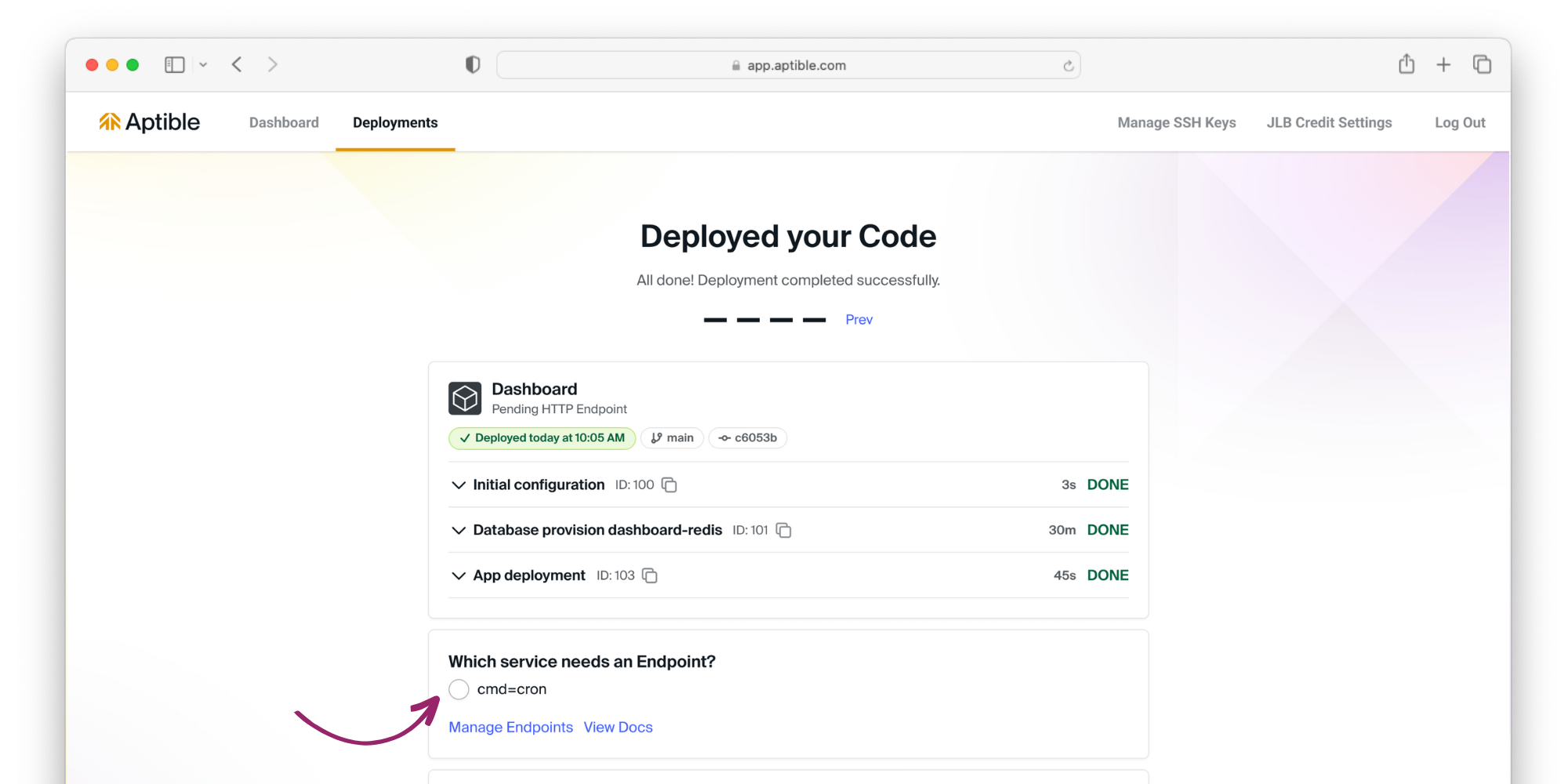 Now that your code is deployed, it’s time to expose your app to the internet. Select the service that needs an endpoint, and Aptible will automatically provision a managed endpoint.
View your deployed app 🎉