

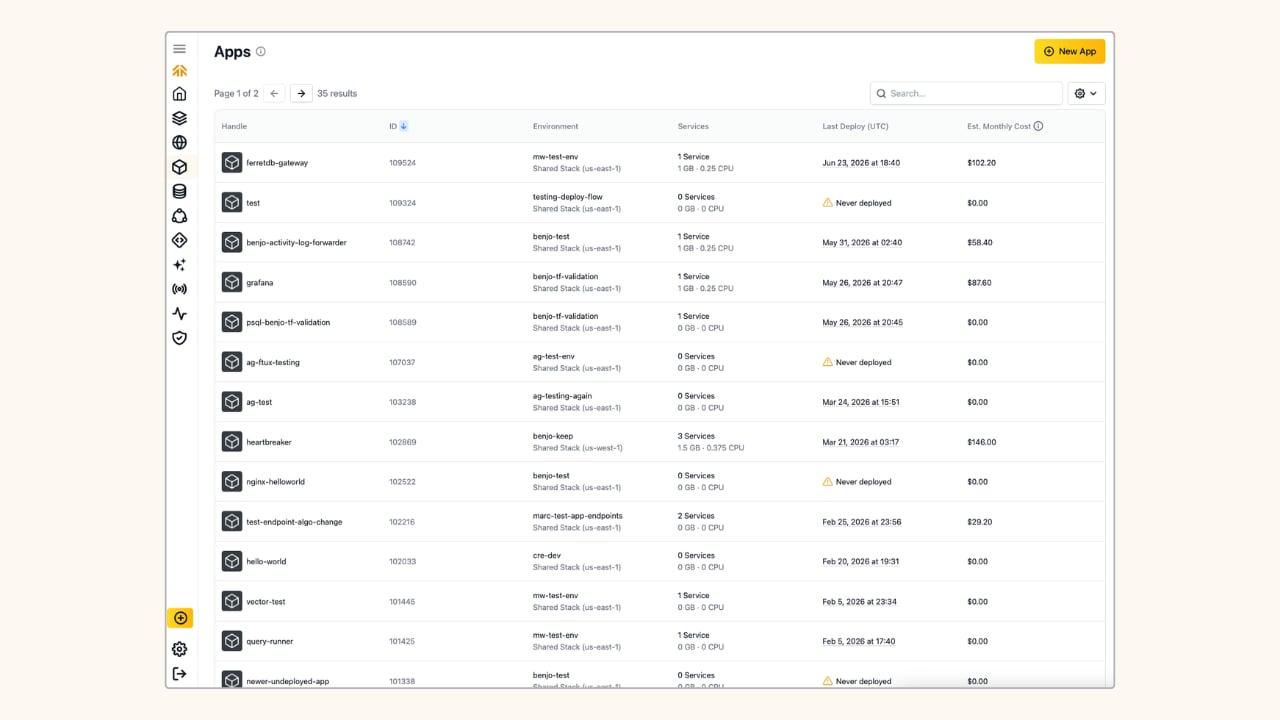
What is an Aptible App?
An Aptible App is a containerized web application. Aptible Apps have the following compatibility requirements:- Apps run on Linux in Docker containers
- Apps only receive traffic over HTTP or TCP
- An Image: Deploy directly from a Docker image, or push your code to Aptible with
git pushand the platform will build a Docker image for you. - Services: Services define how many containers Aptible will start for your app, what command they will run, and their Memory and CPU Limits. A single App can define multiple Services for different roles, such as
web,worker,cmd, orcron, each running and scaling independently. - Configuration (optional): The configuration is a set of keys and values securely passed to the containers as environment variables. For example - secrets are passed as configurations.
Explore Starter Templates
Deploy your code
Custom Code
Ruby Template
Sample Code
NodeJS Template
Sample Code
Django Template
Sample Code
Laravel Template
Sample Code
Python Template
Sample Code
Deployments
Aptible’s Apps are designed for easy deployment and simplified management for developers. You can deploy code via Git, Docker Image, and CI/CD integration. The process is similar regardless of method:- You define your Services and Configuration (such as environment variables)
- Aptible provisions the underlying infrastructure securely and reliably
- Automatic rollbacks for when things fail
- to revert to any previous Release on demand
High Availability
Scale any App to two or more containers, and Aptible automatically deploys it in a high-availability configuration: containers are distributed across separate AWS Availability Zones and deployed with zero downtime. There’s no extra setup, HA comes standard the moment you cross that container count.Services with an attached Persistent Disk are an exception: they run on a single container and incur a brief interruption on every deploy.
Scaling
Scale on Demand
Scale on demand by setting your container count, and adjust CPU/RAM by selecting a Container Profile to change the ratio. Aptible offers three Container Profiles: General Purpose, CPU-Optimized, and Memory Optimized. Aptible also provides in-app recommendations for scaling, which flag when a Service is under- or over-provisioned and suggest the most optimal Container Profile and size.Advanced Autoscaling
Aptible also supports advanced autoscaling:- Horizontal autoscaling adds and removes containers automatically as demand changes, or .
- Vertical autoscaling adjusts a container’s CPU/RAM without you having to resize it manually.
Connectivity
Public/Private Access
Configure your App’s Endpoint for public or private access. A Public URL exposes your App to the internet, with traffic automatically load-balanced across all containers for the service. You can optionally add an IP allowlist to restrict which clients are allowed to connect. For private access, expose an Internal Endpoint to your Stack’s internal network instead, for cases where only other services on your Stack should reach the App.Ephemeral SSH Sessions
Create an Ephemeral SSH Session configured identically to your App containers. Ephemeral SSH Sessions are great for debugging, one-off scripts, and running ad-hoc jobs, without needing to modify a running Service just to get a shell.Learn more using Apps on Aptible
Deploying Apps
Learn to deploy your code into Apps with an image, Services, and Configuration
Connecting to Apps
Learn to expose your App to the internet with Endpoints and connect with ephemeral SSH sessions
Managing Apps
Learn to scale, restart, rename, restart, and delete your Apps